
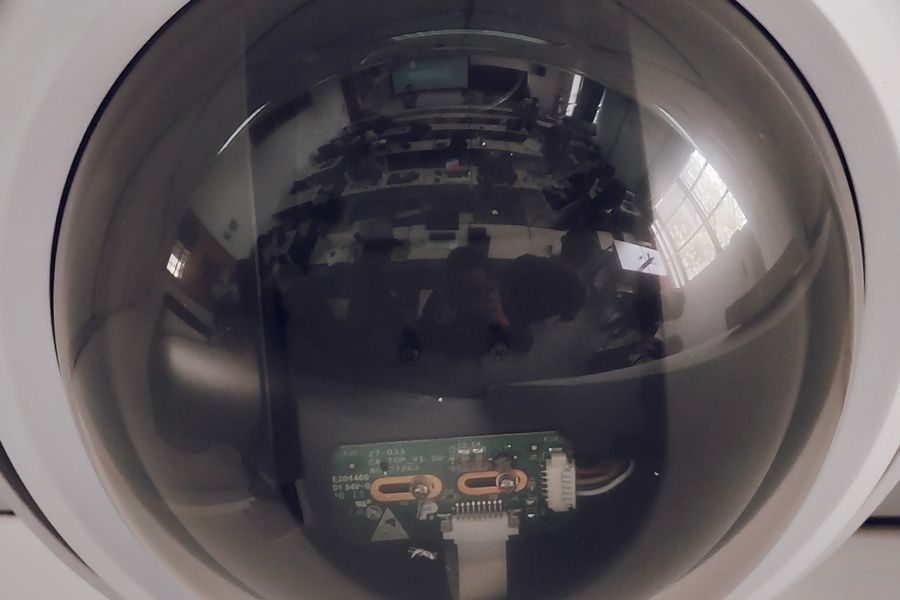
Smudged lens or water marks make the picture hazy
Cleaning the wrong way permanently damages the coating. Blow first, then wipe with lens solution and a lint-free cloth.
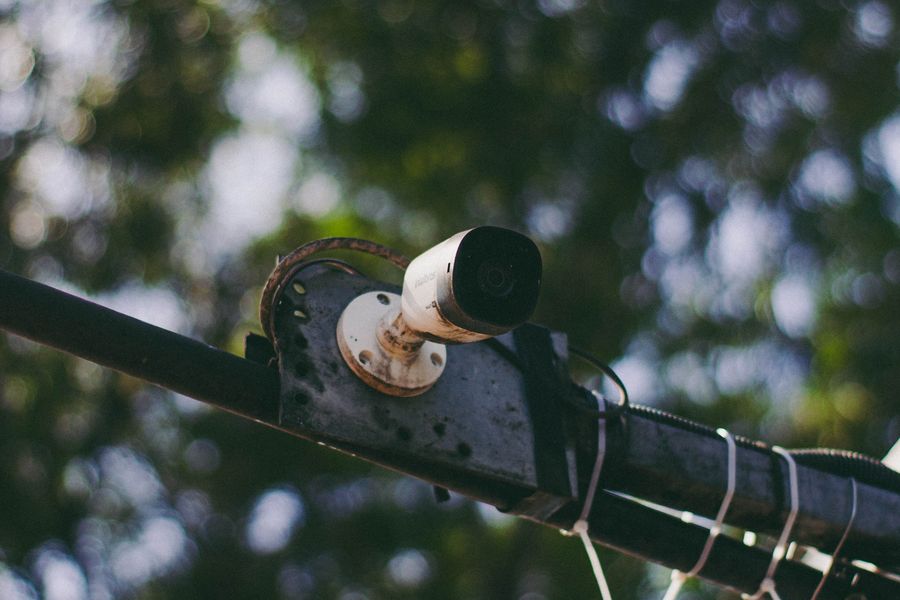
The picture has shifted or tilted — how do I realign it?
Rule out a loose bracket or physical displacement first, then restore the preset or re-aim and re-focus.
Water gets into the housing or the inside fogs up
Nine times out of ten it is a perished seal or poor installation practice. Fix the seal, use waterproof glands and get the angle right.
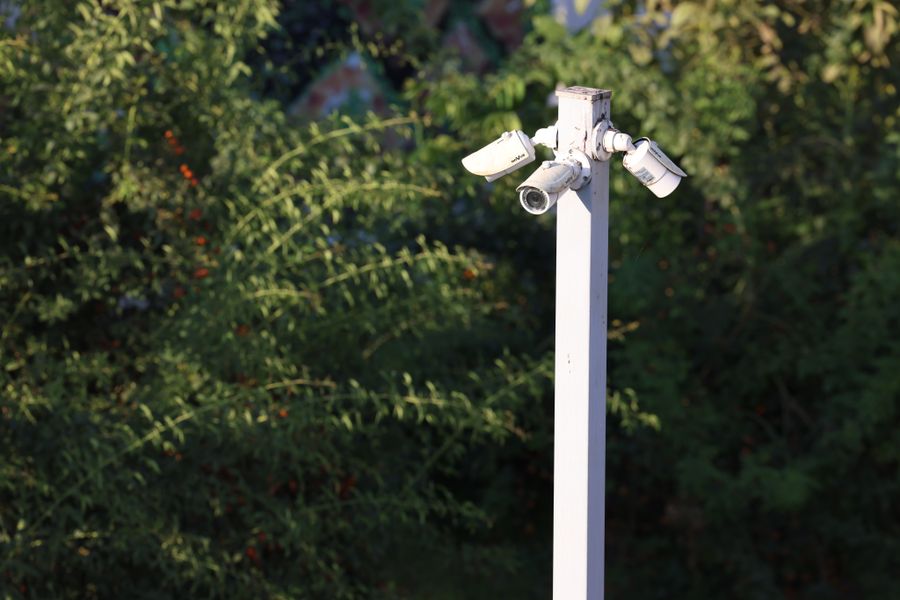
Equipment fails after thunderstorms — how can it be prevented?
Most storm damage is induced surge entering over network and power cabling. Three-stage protection cuts the failure rate dramatically.
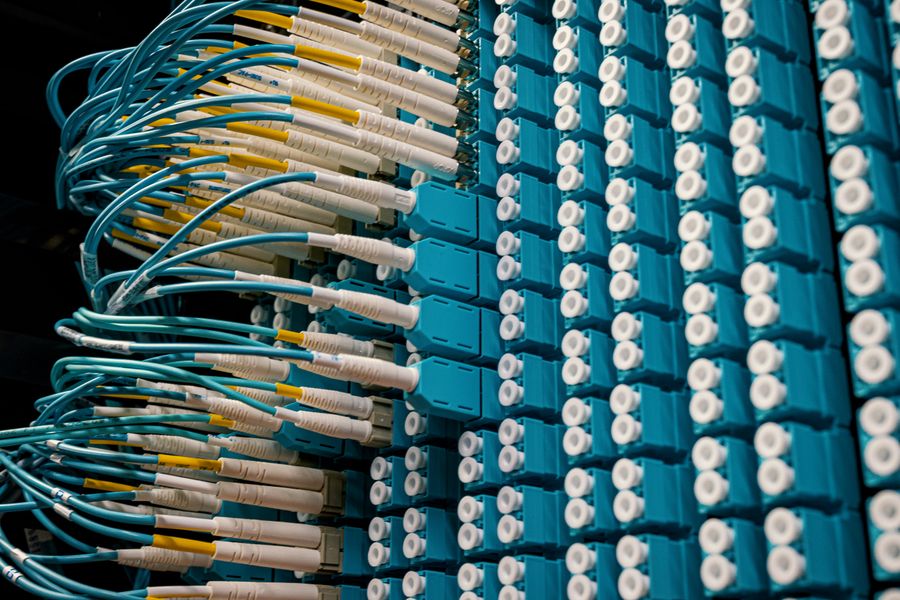
A firmware upgrade failed and the device will not start
An interrupted upgrade is usually caused by power loss or a bad file. Do not simply retry — work through the recovery path first.
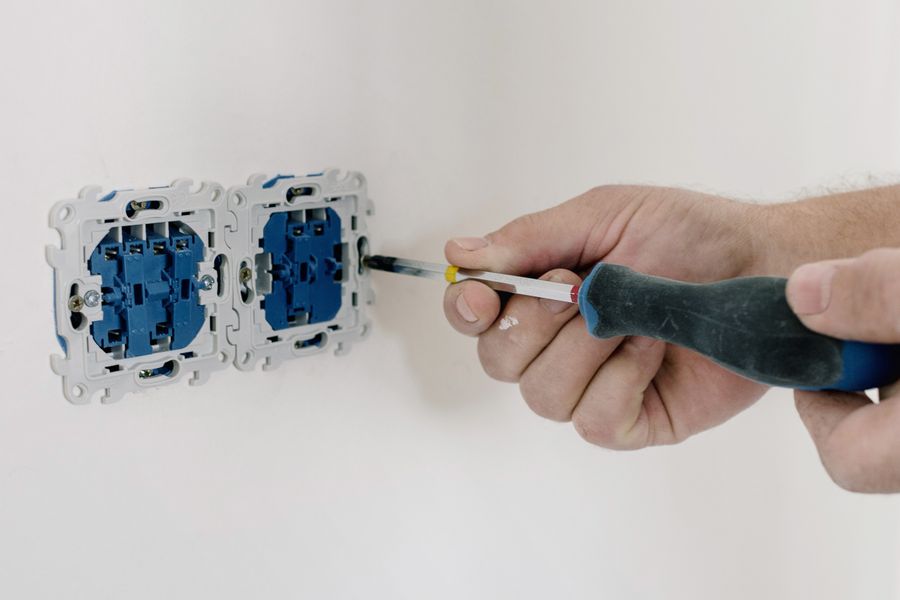
The device keeps rebooting
In the overwhelming majority of cases the supply simply cannot deliver enough — undersized adapter, excessive drop, or insufficient PoE budget.
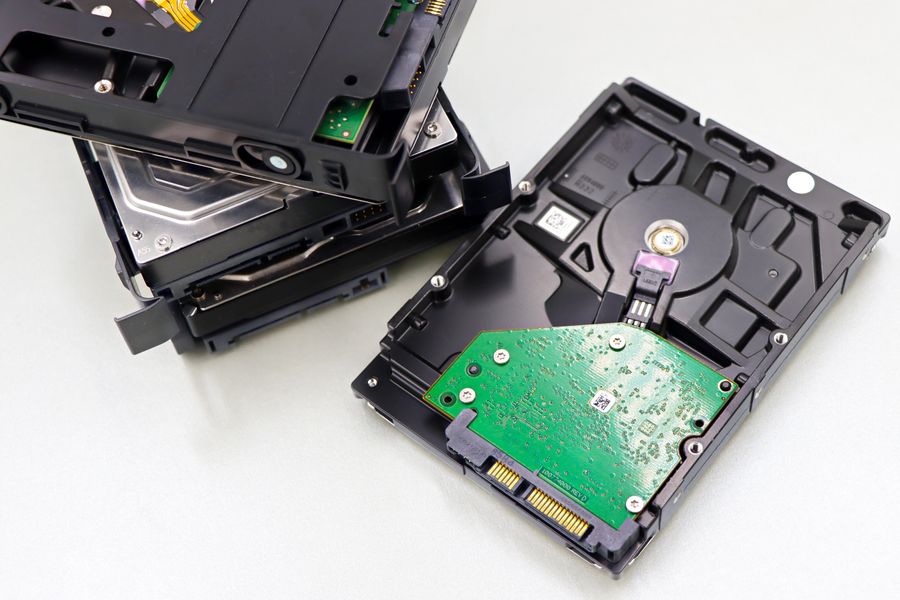
SD card recordings cannot be read, or the card reports an error
Confirm the card type and format first, then rule out a worn-out card, a full card, or concurrent writes.

What should I do if the surveillance screen freezes or freezes?
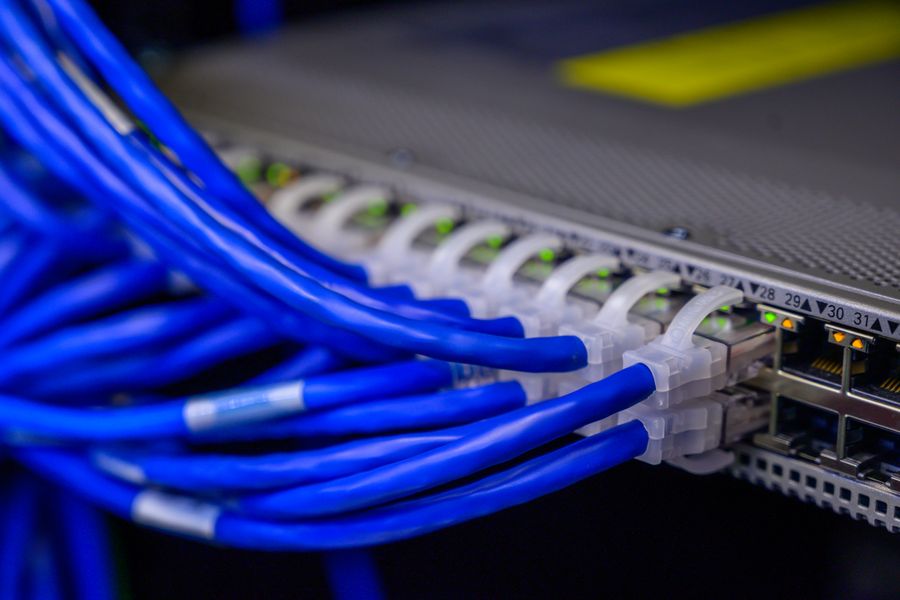
Most cases are related to network bandwidth, switch performance or network cable quality. You can locate it by following four steps.
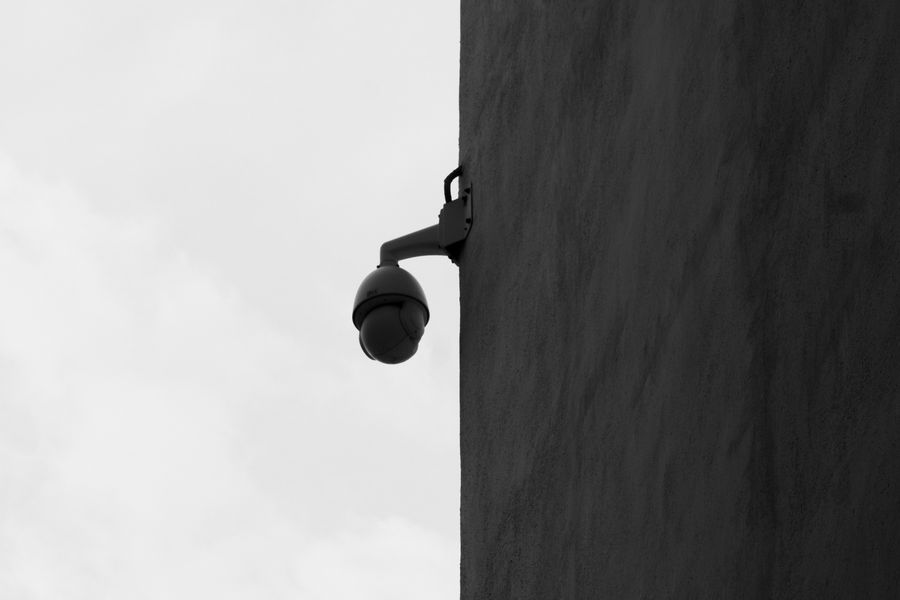
What should I do if a camera has been accessed or compromised?
Weak credentials and exposed ports are the main entry points. Changing passwords, closing ports and updating firmware blocks most of the risk.
What should I watch out for when mixing brands?
Mixing is workable, but protocol, time, credentials and power must all be handled up front or operating costs multiply.